
Works on iPhone and Android
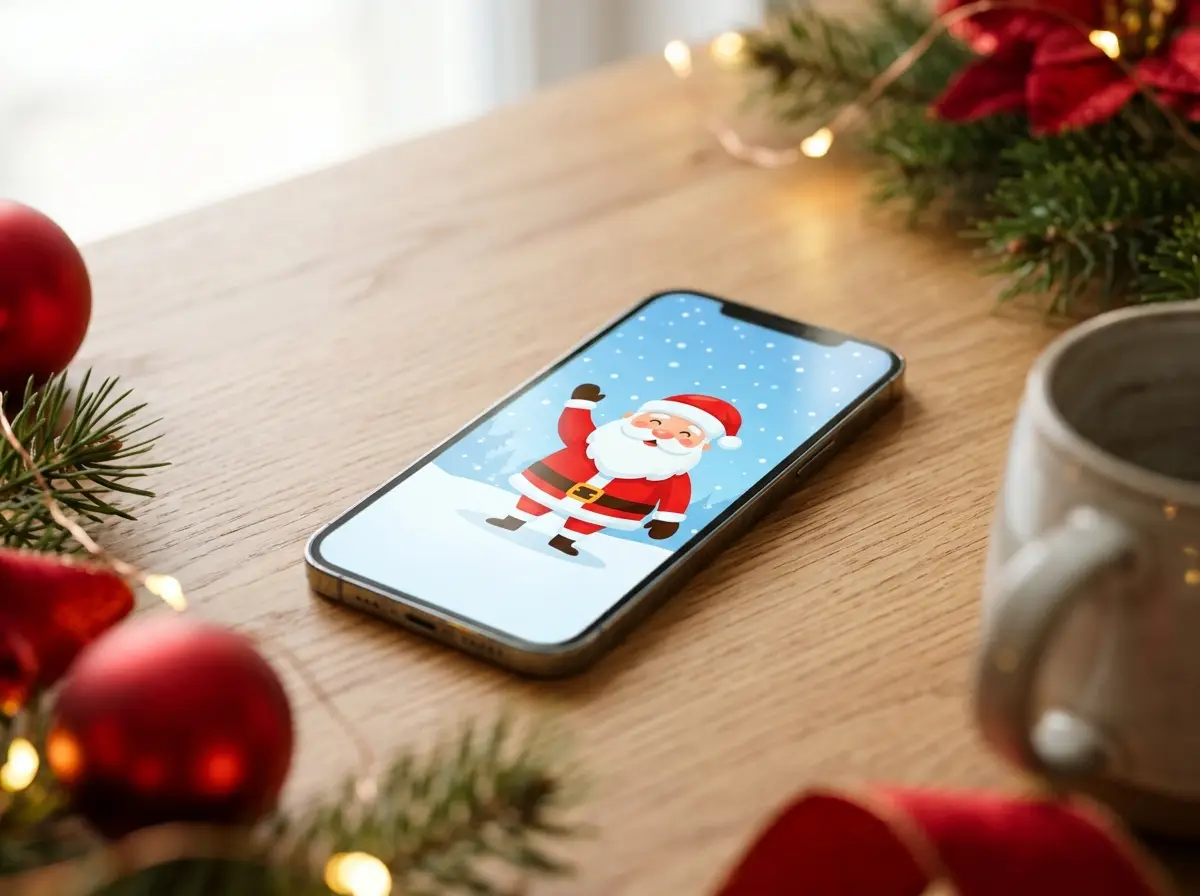
The magical way to talk to Santa
Your child holds one big button and talks. Santa listens, answers out loud in their language, and ends every chat by reminding them to listen to mom and dad.
- No account, nothing saved
- 11 languages
- Free to try
How it works
Three steps to the North Pole
- 1
A quick grown-up check
Answer one easy sum, pick the language Santa should speak and switch his voice on or off.
- 2
Hold the button and talk
Your child holds the big red button, asks anything, and Santa answers out loud. Typing works too.
- 3
A warm goodbye
After a few questions, or when your child says goodbye, Santa signs off and reminds them to listen to mom and dad.

A Santa who listens, and sounds like Santa
Short, jolly answers in simple words, made for ages 3 to 10.
He hears and talks back
Your child speaks; Santa replies in a deep, cheerful voice while his words appear on screen.
Speaks your family's language
English, Spanish, French, German, Italian, Portuguese, Korean, Japanese, Chinese, Dutch and Polish.
Gentle guidance
Santa cheers on kindness, sharing, brushing teeth, bedtime and homework, without lecturing.
Safety for kids
Made for little ones, set up by grown-ups
Santa follows strict rules written for children. An adult should be nearby while your child talks.
Nothing is saved
No account and no sign-up. Conversations are not stored and disappear when the chat ends.
No personal questions
Santa never asks for a name, address, school, phone number or photos, and steers away if a child shares them.
Kind redirects
Scary or grown-up topics get a gentle 'that's one for a grown-up' and a happy new subject.
No gift promises
Santa never promises a specific present, so there are no surprises on the big day.
Grown-up check
A quick sum keeps the settings in your hands. Little ones go straight to Santa next time.
No secrets from parents
Santa never asks a child to keep a secret, and every chat ends with 'listen to mom and dad'.
Add to Home Screen
Put Santa on your home screen
It opens full screen like an app, with Santa's face as the icon. Nothing to download from a store.
iPhone and iPad
- 1Open this page in Safari.
- 2Tap the Share button.
- 3Choose Add to Home Screen, then Add.
Android
- 1Open this page in Chrome.
- 2Tap the menu with three dots.
- 3Choose Install app or Add to Home screen.
Questions from parents